


HubSpot UNBOUND 2026: What Shipped, What It Solves, and Where to Focus First
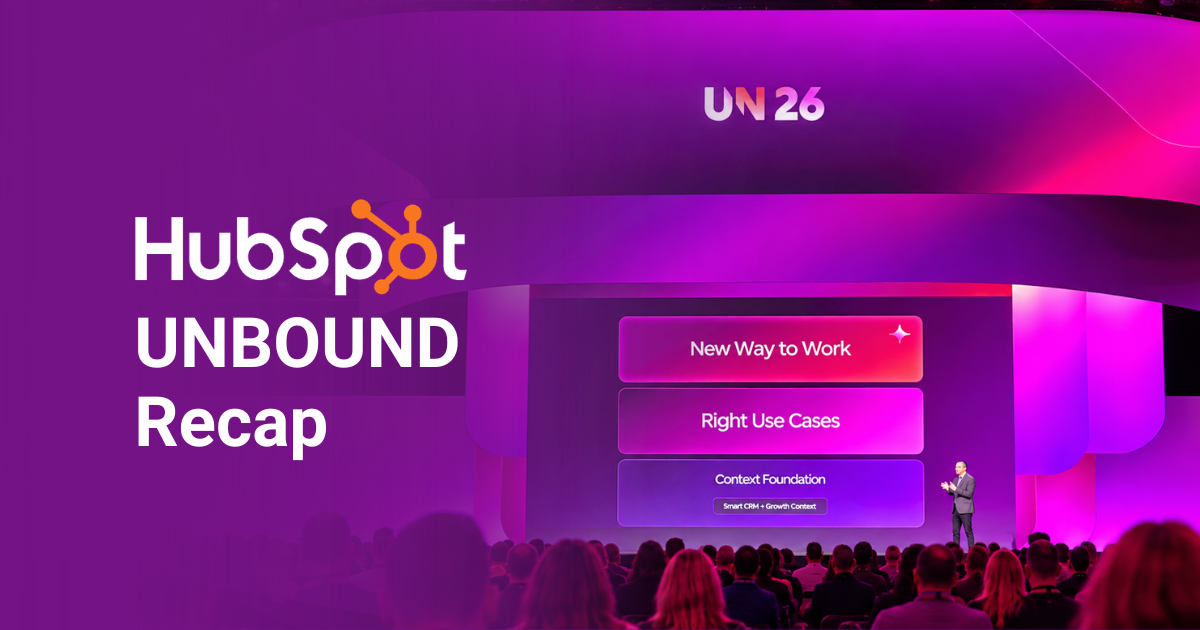
HubSpot's official theme for UNBOUND 2026 was Growth Outcomes. Look past the keynote branding, though, and a different theme runs underneath everything that was announced last week: context. Here's what shipped, what it solves, and where to focus first.
Key Takeaways: HubSpot UNBOUND 2026 Updates
- The headline theme was Growth Outcomes, but the underlying message was that AI only works with accurate business context behind it.
- Context Home gives teams a single view of what HubSpot knows about their business and where the gaps are.
- The rebuilt Breeze Assistant now assigns work to specialized agents instead of just answering questions.
- Marketing Studio and Agent Hub address disconnected campaign execution and scattered agent governance across your portal.
 Our recommendation: start with Context Home and data quality before turning on any new agents.
For HubSpot, Context is King
HubSpot CEO Yamini Rangan framed the release around a specific idea: the platform is no longer just a CRM with AI features. According to SiliconANGLE's coverage, it's now built on two layers. A context layer, where your CRM data and business knowledge live, and an action layer, where hubs, agents, and Breeze Assistant do the work.
This essentially means that an agent can only act on the picture of your business that HubSpot has. Adding more AI doesn't automatically improve execution if the data underneath is incomplete.
Doing more work inside HubSpot gives agents more context, but that information still needs to be accurate. Across client portals, we often see bigger gains from cleaning up foundational data than from activating another feature.
Weak Context in the Real World
We see this pattern across client portals: an ICP unchanged since onboarding, pipeline stages that mean different things to sales and marketing, and deal notes that never made it into the CRM. Those gaps can affect work across teams. A prospecting agent might contact an account with an open service case, while a content agent might draft copy without knowing your compliance requirements.
Context Home gives RevOps a place to catch and correct those gaps before agents act. Manual edits are protected from automated overwrites, and information from uploaded documents is presented as suggestions for review. For regulated industries like financial services, that control matters.
Once your team has reviewed what HubSpot knows, Breeze Assistant shows what it can do with that knowledge.
The Rebuilt Breeze Assistant Does More Work For You
Breeze Assistant now moves beyond answering questions. Describe what you need, and it can bring in specialized agents to help produce a campaign plan, report, or other deliverable using your CRM context.
Essentially, it's a shift from answering to doing, making it the most significant functional change in this release. According to HubSpot, when using Breeze Assistant, customers with high-quality context generate 2.2x more leads than customers not using AI at all.
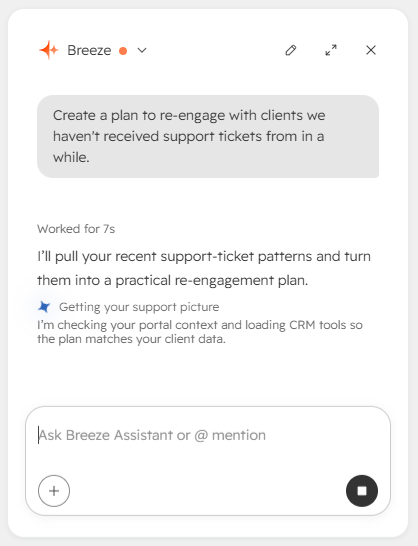 What Breeze Looks Like in Practice
Breeze Assistant can turn CRM data into formatted reports, proposals, and campaign plans, saving teams a step when producing client-facing materials. Projects let it maintain context across conversations, so you can return to a task without starting over.
It also connects with tools such as Asana, Notion, Amplitude, and Linear through MCP connectors, and supports voice input on mobile. For teams whose work spans HubSpot and other systems, those connections give the assistant more ways to fit into an existing workflow.
Breeze Assistant is helping individuals move faster in their work, but HubSpot isn’t stopping there: it’s also tackling how the entire team works together.
Bringing Marketing Campaigns and AI Agents Together
As more people and AI agents contribute to the same work, moving faster only helps if everyone stays aligned. Marketing Studio brings campaign work together, while Agent Hub gives teams a clearer view of the agents working across their portal.
Marketing Studio Tackles Disconnected Campaign Execution
Marketing Studio 2.0 rebuilds HubSpot’s campaign workspace around growth context, drawing on brand identity, past performance, and market benchmarks so teams don’t have to start from scratch each time. Three agents support the work:
- Campaign Agent plans and builds out a campaign from a prompt or document.
- Content Agent drafts blog posts, landing pages, and social content grounded in AEO recommendations.
- Nurture Agent adapts automated emails for each recipient at send time using their CRM history and your brand voice.
For financial services teams juggling contributors, approvals, and compliance review, keeping planning, creation, and reporting in one workspace could cut down on handoffs.
Agent Hub Addresses Scattered Ownership and Weak Governance
Agent Hub shows which agents are running, idle, or stuck, while giving teams control over permissions and credit usage. Clear rules still matter: one example from UNBOUND involved a prospecting agent emailing an account with an open support ticket because it had no instruction to pause.
Agent Builder now supports triggers from outside HubSpot and one-click conversion of existing workflows, giving teams a way to test agents within processes they already use.
HubSpot Work, currently in beta, extends that connected approach to projects. Describe the work in plain language, and it can create tables, documents, forms, and automations using CRM context, keeping project work closer to customer data.
What to Do Before Switching Everything On
The order of operations is clear: context first, agents second. You don’t need to enable every new capability to find out what’s useful for your team.
- Review Context Home. Correct outdated information and fill in gaps, especially around your ICP, qualification criteria, processes, and business guidelines.
- Choose one agent and one workflow. Pick a task with a clear outcome so you can tell whether the agent actually helps.
- Test before expanding. Use simulation mode to estimate credit costs, then measure the live workflow for two weeks before adding more agents.
If you’d like help deciding what to prioritize, contact Gate 39. We can review your HubSpot context with you, identify a useful first workflow to test, and help configure your portal around how your team actually works.
You might also be interested in:
The AI email sounds great, until you realize it’s based on a deal record no one updated. Marketing’s new campaign has a similar problem: it missed...


Connect with us to discover how we can help your business grow.
.svg) Contact Us
Contact Us
.jpg)